


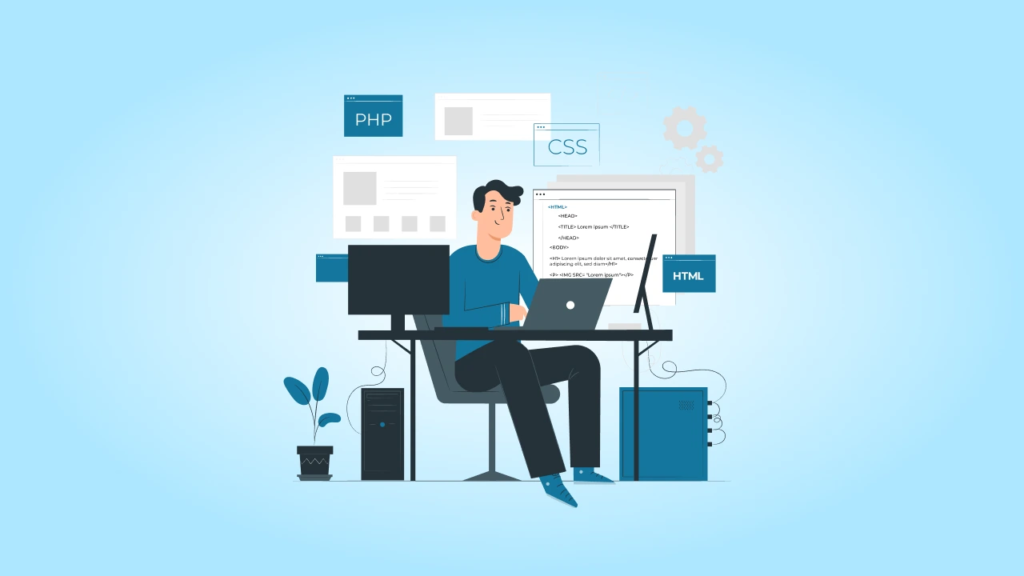
A Content Management System (CMS) is a tool that permits people to create and manage website content without needing to write code every time. Popular CMS platforms like WordPress, Joomla, and Drupal are used by many websites today. But if you are learning full stack development, building your own CMS is a great way to practice and understand how things work behind the scenes.
A CMS is a real-world project that connects the frontend, backend, and database. It also teaches you about user login, forms, media uploads, and more. If you are attending full stack java developer training, building a CMS will give you the hands-on experience you need to become a job-ready developer.
In this blog, we will explain how to build a modern CMS step by step using simple English. You will learn what a CMS is, why it’s useful, what tools to use, and how to build one from scratch.
What is a CMS?
It is software that helps users manage content on a website. It allows users to add new posts, edit content, upload images, and publish or delete pages all through a simple interface.
With a CMS, users don’t need to know HTML or coding. They just use buttons and forms to create or update content. This makes it easy for non-technical users to manage websites.
Why Build Your Own CMS?
You may ask: “Why build a CMS when tools like WordPress already exist?” The answer is simple: to learn. When you build your own CMS, you will:
- Understand how websites work behind the scenes
- Practice frontend, backend, and database development
- Learn how to create APIs and connect them to a frontend
- Work on a real-world, full stack project
- Build something useful for your portfolio or resume
This is a great project for students or beginners in a developer course in Hyderabad or any other city.
Tools You Will Need
To build a modern CMS, you need a few tools and technologies. Here’s a basic tech stack that is beginner-friendly:
Frontend
- HTML, CSS, and JavaScript
- React (for building a dynamic user interface)
- Axios (for making API calls)
Backend
- Node.js and Express (for building the server and APIs)
- JWT (for user login and authentication)
- Bcrypt (for password hashing)
Database
- MongoDB
- Mongoose
Others
- Git and GitHub (for version control)
- Vercel or Netlify (for frontend deployment)
- Railway or Render (for backend deployment)
- MongoDB Atlas (cloud database)
Features of Your CMS
Your CMS should have the following features:
- User registration and login
- Dashboard for managing posts and pages
- Form to create and edit content
- Ability to save drafts and publish content
- Media uploads (images, PDFs)
- Role-based access (admin and editor)
- Clean and simple frontend to display content
Step-by-Step Guide to Building Your CMS
Let’s go through each step in detail.
Step 1: Plan Your CMS
Start by planning your CMS. Decide:
- What features you want
- What pages and routes your app will have
- What kind of users will access it
Create a simple design or wireframe to guide your development.
Step 2: Set Up the Backend
Start a Node.js project: npm init -y
- Install the needed packages:
npm install express mongoose cors dotenv jsonwebtoken bcrypt - Create routes for:
- Users (/api/users)
- Posts (/api/posts)
- Media (/api/media)
- Connect to MongoDB using Mongoose.
- Add login and registration features using JWT and Bcrypt.
Step 3: Set Up the Frontend
Create a React app:
npx create-react-app cms-frontend
- Use Axios to connect to the backend API.
- Create pages for:
- Login and Register
- Dashboard
- Post Editor
- Media Upload
- Home Page (public content)
- Protect private routes using React Router and authentication logic.
Step 4: Add Media Upload
- Use Multer (Node.js middleware) to upload images.
- Save the uploaded file paths in MongoDB.
- Show image previews in the dashboard.
- Add a media gallery to reuse uploaded files in posts.
Step 5: Create the Post Editor
Use a rich text editor like Quill or TinyMCE in your frontend to allow:
- Bold and italic text
- Headings
- Image insertion
- Lists and links
Connect the editor to your backend so users can save and update posts.
Step 6: Display Content on the Website
Create a public page that shows published posts. You can list blog posts or pages based on their title or category. Use routes like:
- /blog for all posts
- /blog/:slug for a single post
Step 7: Deploy Your CMS
- Push your code to GitHub using Git.
- Deploy your frontend on Netlify or Vercel.
- Deploy your backend on Render or Railway.
- Use MongoDB Atlas as your online database.
Common Challenges and How to Solve Them
- Login not working: Check your JWT and password hashing.
- Images not uploading: Make sure your form has enctype=”multipart/form-data” and your server handles file uploads.
- Content not saving: Check if your API is receiving and storing the data correctly.
- Pages not loading: Check your routes in React and Express.
Sample File Structure
cms-backend/
├── routes/
├── models/
├── controllers/
├── .env
└── server.js
cms-frontend/
├── src/
├── pages/
├── components/
├── App.js
└── index.js
Tips for a Successful CMS Project
- Start simple. Add more features later.
- Test your app regularly.
- Use clean and readable code.
- Avoid hardcoding passwords or secrets.
- Use tools like Postman to test your backend APIs.
- Make your CMS mobile-friendly.
- Document your project (how to install, use, and test it).
Ideas to Improve Your CMS Later
After your basic CMS is working, here are some advanced features you can add:
- Comment section on posts
- Email notifications when new content is published
- Dark mode
- Autosave drafts
- Analytics dashboard
- Drag-and-drop post sorting
- SEO meta tags for each post
- Markdown support
Why This Project Is Great for Full Stack Developers
Building a CMS helps you practice almost every part of full stack development:
- Designing the frontend UI
- Writing backend logic and routes
- Working with a database
- Handling authentication
- Uploading files
- Connecting everything together
- Deploying the final app
This makes it one of the best projects for improving your skills and showing others what you can build.
Final Thoughts
A CMS might seem like a big project, but if you break it into small parts, it becomes manageable. Each step teaches you a new skill, and by the end, you’ll have a powerful tool that you built yourself.
If you’re attending developer classes, building a CMS is a perfect hands-on project to apply everything you’re learning. You’ll understand how websites are built, how data moves from frontend to backend, and how users interact with your application.
And if you’re taking a full stack developer course in Hyderabad, adding a CMS project to your portfolio will help you stand out to employers. It shows that you have not just learned theory, but also applied your knowledge to solve real problems.
So don’t wait start building your CMS today. Practice each part, and take your time. Once it’s done, you’ll not only have a working project but also the confidence of a true full stack developer.
Contact Us:
Name: ExcelR – Full Stack Developer Course in Hyderabad
Address: Unispace Building, 4th-floor Plot No.47 48,49, 2, Street Number 1, Patrika Nagar, Madhapur, Hyderabad, Telangana 500081
Phone: 087924 83183





Leave a Reply